
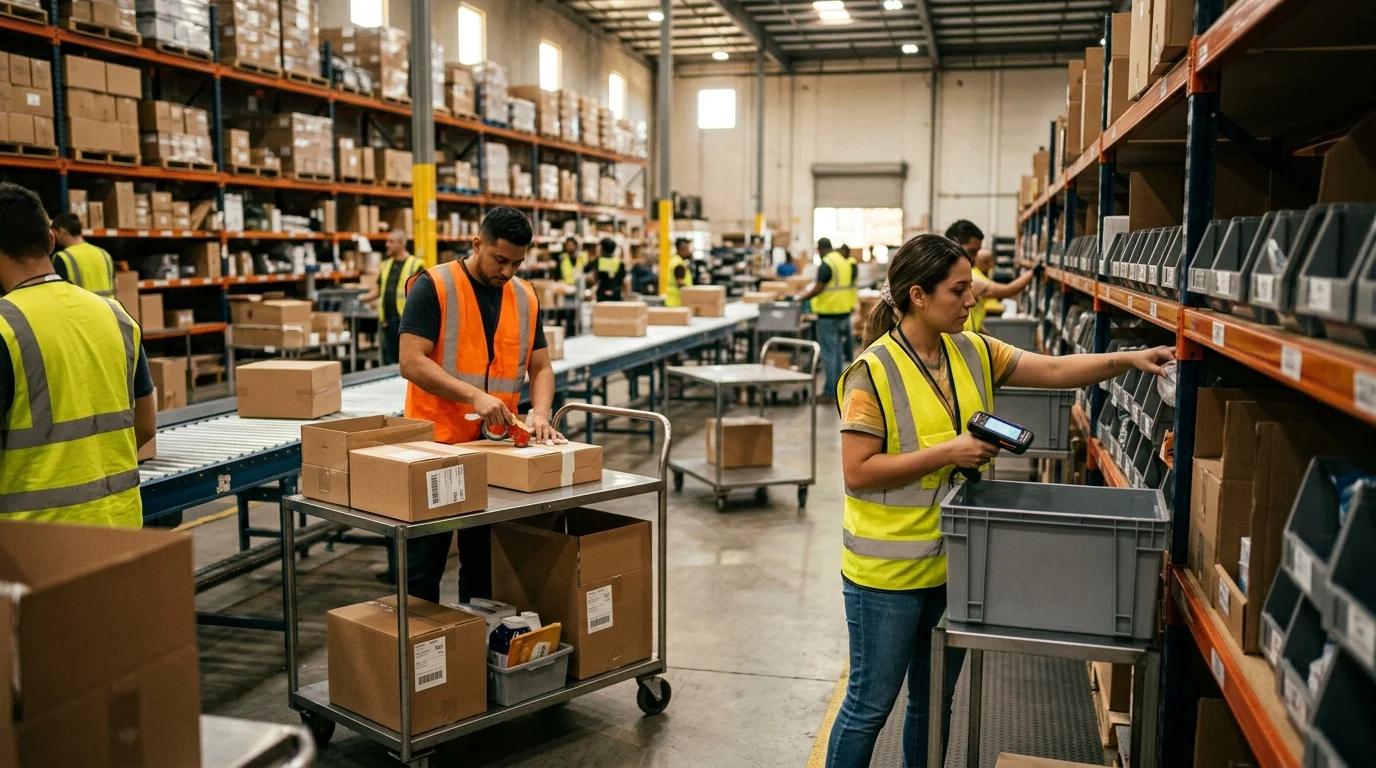
Wrong orders can start with a mismapped SKU, a mislabeled location, a mixed tote, a missing kit component, or a label applied to the wrong parcel. To find the causes of errors in ecommerce pick and pack fulfillment, trace an individual complaint from the customer’s order back through product data, warehouse events, and the final shipping handoff.
Start by recording what was expected and what actually arrived. Treat the first explanation as a hypothesis until the records support it: a correct scan, for example, proves little if the barcode itself points to the wrong item.
1. Incorrect SKU Mapping
SKU mapping errors send the warehouse a valid instruction for the wrong product. Compare the customer-facing selection, the order as imported, the warehouse SKU, and the physical product barcode at the time of the order. Hold affected stock or orders while the mapping is corrected, then test the entire path with a controlled order.
Signal: The same wrong item appears across otherwise unrelated orders after a catalog or integration change. A correct pick scan may accompany every complaint because the system was given the wrong SKU.
Evidence and action: Preserve the original order line, mapping version, barcode-to-SKU record, and pick event. Check who approved the change and when it became active. Correct the mapping, identify orders processed during the affected window, and verify one test order before releasing held work. Do not silently edit historical records: keep the old and corrected mappings available for the investigation.
2. Location and Bin Label Mismatch
Signal: A location scan matches the task, but the item found in that location differs from the expected SKU. The discrepancy may have started during receiving, putaway, replenishment, or label replacement rather than at the pick itself.
Evidence and action: Compare the physical bin label and contents with the warehouse location record, recent putaway and replenishment transactions, and a count of the affected stock. Stop picks from the location until the stock and label are reconciled. Ask for an item scan as well as a location scan when the operation supports it, with a documented exception path for unreadable labels.
A location scan confirms which code was read; it does not prove that every item inside the bin is correct. The fulfillment metrics guide explains how to define accuracy consistently while this correction is monitored.
3. Similar Products Stored Together
Signal: Errors repeatedly swap products that look alike or share nearly identical packaging, even though the intended SKU is clear in the order. This can happen to different scents, capacities, or product versions as well as other variants.
Evidence and action: Review affected SKU pairs, shelf locations, product photos, and the actual item barcodes. Inspect whether the packages are mixed in one location or placed where a hand can easily reach the neighboring slot. Separate the products where practical and make the distinguishing attribute visible in the pick instruction; then test a deliberately confusing pair and confirm that the process rejects the wrong barcode.
Do not rely on color coding alone, and avoid treating extra distance as a guaranteed fix. The warehouse should check whether the new arrangement remains usable during replenishment and busy shifts.
4. Pick Scans Skipped or Overridden
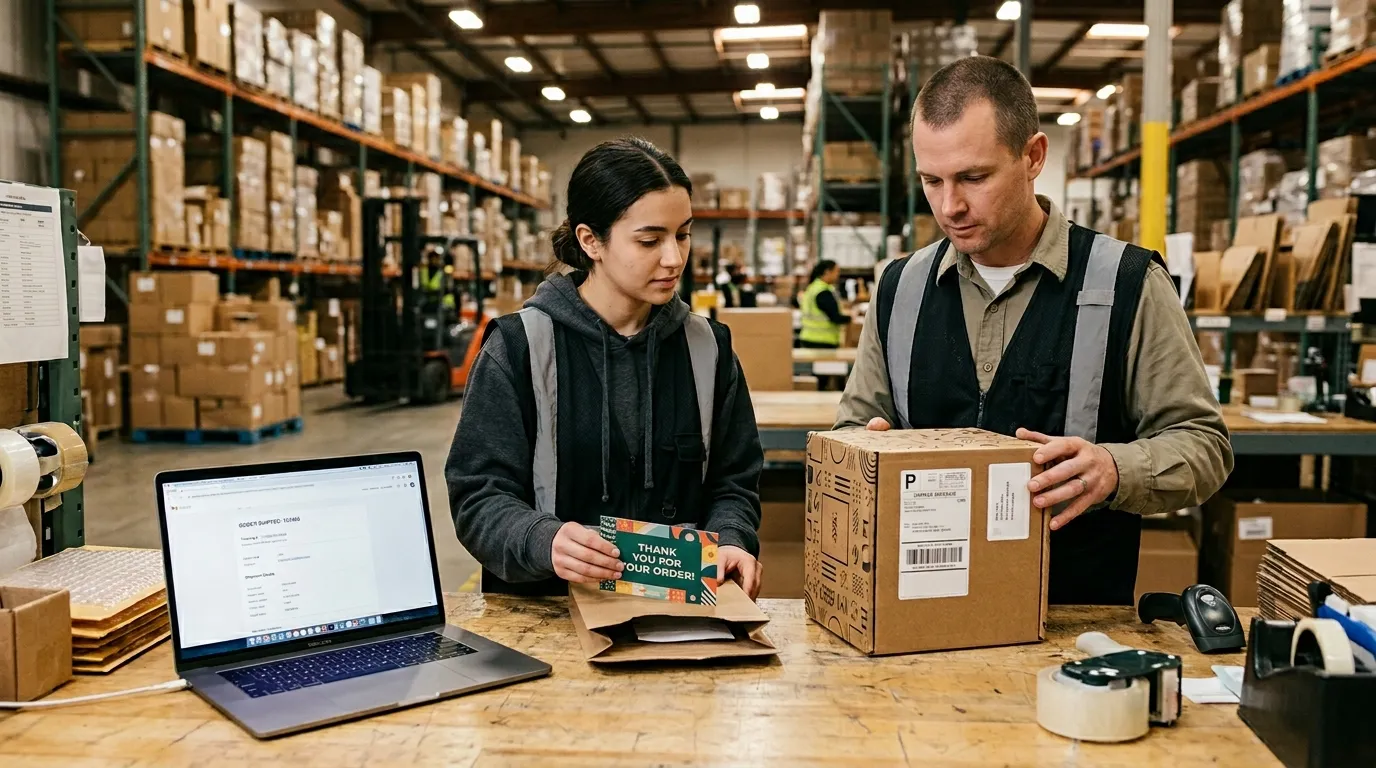
Signal: A correct pick is recorded without an item-level scan, or exception and manual-entry events rise around the affected orders. Scanner timeouts, damaged codes, pressure to clear a backlog, or an unclear fallback process may all be relevant; none is proof of a particular cause by itself.
Evidence and action: Compare timestamps for order release, location scan, item scan, quantity confirmation, and any override. Ask the people doing the work to reproduce the exception. Repair unreadable labels or scanner connectivity, then define who can approve a manual check and what must be recorded. Test that an incorrect item actually generates a hold instead of allowing a routine bypass.
A 2024 Lund University case study found that reported fulfillment errors could involve inbound mistakes, technical malfunctions, and other factors as well as outbound handling. Its cases are a reason to investigate the system, not a universal estimate of how often each cause occurs.
5. Orders Mixed Between Totes
Signal: Two customers receive each other’s items, or one order contains an item belonging to another order processed in the same batch. A successful product scan alone may not establish which order container received the item.
Evidence and action: Reconstruct the batch using order IDs, tote or compartment IDs, timestamps, and pack-station records. Check whether each transfer from a batch cart to an individual order was verified. Identify the other potentially affected orders before treating the first complaint as isolated.
Give each open order a distinct, readable container ID and scan or otherwise confirm the order-to-container association at sorting and packing. Keep the work area clear between orders. If the same person handles several orders at once, document how the process prevents an item from crossing containers and test that control with two similar orders.
6. Missing Kit Components
Signal: Customers receive the correct bundle label but one component or required quantity is absent. A bundle may be sold under one SKU while the warehouse must assemble several physical items.
Evidence and action: Compare the order’s bundle definition with the bill of materials or packing instruction in force at assembly, component picks, stock adjustments, and any pre-sealed kit record. Check whether a shortage, substitution, or revision was authorized. If the bundle is preassembled, inspect the assembly and release record; scanning only the outer kit code cannot prove what was inside.
Provide an approved component list with quantities and a version date. Verify each required component during assembly, retain the result at a level appropriate to the operation, and quarantine incomplete kits. The pre-kit versus build-to-order comparison covers the separate assembly decision.
7. Shipping Labels Applied to Wrong Parcels
Signal: The packed contents match one customer’s order, but the tracking label belongs to another order or address. Two correctly picked orders can still be misdelivered if their labels are swapped at a shared bench.
Evidence and action: Compare order and carton IDs, label creation timestamps, tracking numbers, packing records, and carrier handoff scans. Where available, inspect packing photos for the relevant parcel and time, while recognizing that a photo may not show every item. Check for other orders handled at the same station and time.
Link the carton to the verified order before applying its label, and check that the final tracking number belongs to that carton. If order details change after a label is made, stop and review the parcel under the warehouse’s change procedure. A carrier acceptance scan confirms a handoff; it does not by itself prove that the carton contained the correct goods.
Use a Wrong-Order Review Record
A useful review separates the customer’s report from the cause you have established. Use the following fields for each case and limit access to customer details and images to people who need them for support or investigation.
| Field | What to record |
|---|---|
| Order and shipment | Order ID, shipment or carton ID, tracking number, dates, and affected SKU and quantity |
| Observed issue | Expected items versus received items, customer report, and a photo if available |
| Warehouse trace | Location, tote, pick and pack scans, override events, and relevant packing photo if available |
| Finding | Confirmed cause or open hypothesis, point of origin, and the check that did or did not catch it |
| Correction | Containment, responsible owner, due date, retest, and outcome over an agreed review period |
For example, if three complaints involve the same SKU and each traces to one location after a replenishment, inspect that event before attributing the problem to three separate picks. This is a hypothetical pattern. Record contradictory evidence too: a clean pack record may point the investigation toward mapping, returns, or a different shipment.
After applying a correction, run a small test through the same path and review subsequent cases using consistent definitions. A falling complaint count alone is incomplete evidence because some errors may not be reported; pair customer reports with the internal checks the warehouse actually records.
Frequently Asked Questions
Can a scan prevent every wrong order?
No single scan can establish every detail. It must check the right item against the right order, and the barcode mapping, quantity, container, and final label still need suitable controls.
What should I request from my 3PL?
Ask for order-level pick and pack records, exception or override logs, the SKU mapping, and available carton or photo evidence. Agree on what can be shared and how the provider documents corrective actions.
Should I blame the picker first?
Start with evidence and consider product data, locations, equipment, workload, and handoffs alongside the pick itself. A recorded scan or an individual’s name is not enough to establish the root cause.
How do I check whether a fix worked?
Retest the changed step with the affected SKUs or orders, then review later incidents using the same definitions and a documented period. Record both prevented errors and complaints that reached customers separately.
Investigating recurring wrong orders? Bring a few order IDs, the expected and received items, and the available scan history to FlexFulfills’ ecommerce fulfillment team to discuss the handling and evidence available for your workflow.